
What a Hillsborough County Court Docket Is
A docket is the court's chronological list of every event in a case. Each entry shows a date, a filing or hearing, the party who filed it, and a short label for the document. The Clerk of the Circuit Court calls this the progress docket. It is not the full case file. The full file holds the actual pleadings, exhibits, orders, and judgments. The docket is the map that tells a searcher what to pull next.
For Hillsborough County cases, the docket lives in the Clerk's court records system. Victor D. Crist, Clerk of the Circuit Court and Comptroller, is the custodian of these records for the Thirteenth Judicial Circuit. The same office holds dockets for Circuit Court cases and County Court cases because Florida does not split those records between two clerks. That means one search portal covers felony, misdemeanor, civil, family, probate, traffic, and small claims dockets filed in the county.
Dockets and case files serve different jobs. A docket entry might read "Motion to Continue, filed by Defendant, 03/14/2026." The motion itself sits in the case file as a separate PDF. Both are public unless a rule or statute restricts them. Sealed cases, juvenile delinquency files, adoption matters, and many mental health and probate records have tighter rules on what shows up online.
How to Find Hillsborough County Court Dockets on HOVER
The main portal for county and circuit dockets is HOVER, Hillsborough Online Viewing of Electronic Records. The Clerk maintains it at hover.hillsclerk.com. HOVER lets the public search by case number, Uniform Case Number, citation, party or business name, date range, court type, case type, or court hearing. It also has a separate New Case Listing data file and a High Profile Cases page.
HOVER works for anonymous users, registered users, attorneys of record, and self-represented parties. An anonymous user can search the index and see the progress docket. Document images may or may not appear, depending on case type and access role. The HOVER FAQ notes that browser support and a 30-minute inactivity timeout apply. If a search returns "Case Not Found," that may mean the case is sealed or the number was typed wrong.
- Open the HOVER landing page and pick a search mode. Use Case Number or Uniform Case Number when the number is known. Use Party or Business Name when only a person or company is known. Use Court Hearing Lookup when the goal is a court date.
- Type the known values. A narrow date range cuts down result counts. The HOVER FAQ warns that broad date ranges can flood the results with too many hits to review.
- Scan each result row for case number, case type, party names, and court. The detail icon next to each case opens the full progress docket.
- Open the docket entry. Each line shows a date, an event label, and a link to the document image when one is posted and is not flagged confidential.
- For a certified copy of any viewable docket image, run the document through Clerk eCertify from the same case detail screen.
Hearing Lookup and Search Fields on HOVER
HOVER groups its search modes into tabs on the landing page. The Court Hearing Lookup tab is the one most people use for upcoming docket dates because it filters by hearing rather than by case status. The other tabs hit the same case index but with different keys. The portal does not expose every dropdown option in plain text, so the field list below reflects what HOVER itself describes.
| Field | What It Does |
|---|---|
| Search by Case Number | Opens the case number lookup; also covers the Uniform Case Number format used statewide. |
| Search by Citation Number | Used for traffic citations and county citation matters. |
| Search by Party or Business Name | Name search for an individual or company linked to a case. |
| Date Range, Court Type, Case Type | Advanced filter for narrowing by filing window or case category. |
| Court Hearing Lookup | Pulls scheduled hearings on the court calendar. |
| New Case Listing Public Data Files | Daily public data file for new filings. |
| High Profile Cases | Standing list of cases with major public interest. |
Anonymous users see most of these tabs and can pull progress dockets, but image access is narrower than for attorneys of record. Registered users sign a subscription agreement to widen remote access. Some criminal and civil files involving sexual abuse are held back from remote view and must be read in person, per the HOVER FAQ.
Sample Docket Entry From a Hillsborough Case
A single docket line on HOVER is short. It points to the case it belongs to, the date the event happened, and the document the Clerk attached. The case header sits above the docket and holds the wider record fields. Together they show what a case has done and what is next on the calendar. Real docket pages combine the header fields with the running event list under them.
| Field | What It Shows |
|---|---|
| Case Number | The Clerk's local case number for the filed matter. |
| Uniform Case Number (UCN) | The statewide format used across Florida trial courts. |
| Court Type and Division | Circuit Civil, County Civil, Family, Probate, Felony, Misdemeanor, Traffic, Juvenile. |
| Judge | The judge or hearing officer assigned to the case. |
| Parties | Plaintiff or petitioner, defendant or respondent, the State, or a business name. |
| Hearing Date and Time | The next scheduled court date pulled from Court Hearing Lookup. |
| Event Type | The docket label, such as Motion, Order, Notice of Hearing, Judgment, or Disposition. |
| Filing Party | The side that filed the entry on the docket line. |
| Document Link | Image link to the filed PDF when not flagged confidential or sealed. |
| Status / Disposition | Open, closed, dismissed, disposed, sealed, or transferred. |
Not every field will show on every case. Family, juvenile, probate, mental health, and adoption records have tighter rules. The case index may show that a case exists while the images stay locked behind attorney or pro se access.
Note: Once a filing is accepted by the Clerk, HOVER says the docket entry usually appears within a reasonable amount of time, not always the same day.
Common Docket Terms Used in Hillsborough Cases
A docket reads like shorthand. The same labels show up over and over: motion, order, hearing, continuance, disposition. A short glossary helps when a searcher is trying to read a case for the first time.
- Uniform Case Number (UCN)
- The statewide case number format used by all Florida trial courts. HOVER accepts both the local case number and the UCN.
- Motion
- A written request that asks the judge to take some action in a case, such as continuing a hearing or dismissing a charge.
- Hearing
- A scheduled court event before a judge or hearing officer. Hearings show up on the Court Hearing Lookup.
- Continuance
- A delay that pushes a hearing or trial to a later date. The new date is added as its own docket line.
- Disposition
- The outcome of a case or charge. Common entries are disposed, dismissed, adjudicated, or transferred.
- Capias
- A court order or warrant that commands an arrest, often after a failure to appear at a docket call.
- Progress Docket
- The Clerk's running event log for a case. This is the HOVER label for the docket itself.
Civil Dockets vs Criminal Dockets in Hillsborough County
Civil and criminal dockets look the same on the surface. Both run as event lists with date, filer, and label. The case types behind them are different, and so are the rules on what a docket shows. Knowing which side of the courthouse a case lives on saves time.
| Civil Docket | Criminal Docket | |
|---|---|---|
| Case start | Complaint or petition by a private party. | Information or indictment filed by the State. |
| Court | Circuit civil over $50,000; county civil up to $50,000; family; probate. | Circuit Court for felonies; County Court for misdemeanors and criminal traffic. |
| Typical entries | Complaint, summons, answer, motions, orders, judgments. | Arrest affidavit, information, bond paperwork, plea, sentence, disposition. |
| Public image access | Most civil images viewable on HOVER; family/probate/juvenile narrower. | Most felony and misdemeanor images public; sealed or expunged cases hidden. |
| Where to start | Court records portal on HOVER. | Criminal records and the HCSO Arrest Inquiry. |
The Clerk's County Criminal page says the Misdemeanor Department files, processes, and maintains the official court file for each misdemeanor, including the original arrest document and release forms. Traffic citations have their own docket flow that runs through Civil Traffic Court. Traffic court records cover that side in more depth.
What the Clerk's Docket Portal Looks Like
The county docket experience starts at the Clerk's Records and Reports hub. Most searchers click straight into HOVER from there, but the Clerk also lists Official Records, eCertify, and removal requests on the same page. The free CourtListener service indexes some federal dockets from the Middle District of Florida and links opinions back to PACER for the full file.
The CourtListener home page shows what an open federal docket index looks like, and it gives a useful contrast with the Clerk's HOVER tool, which is locked to the state side of the system.
Below is the CourtListener landing page, which covers federal opinions and dockets and is often the fastest way to spot whether a federal case is on file.
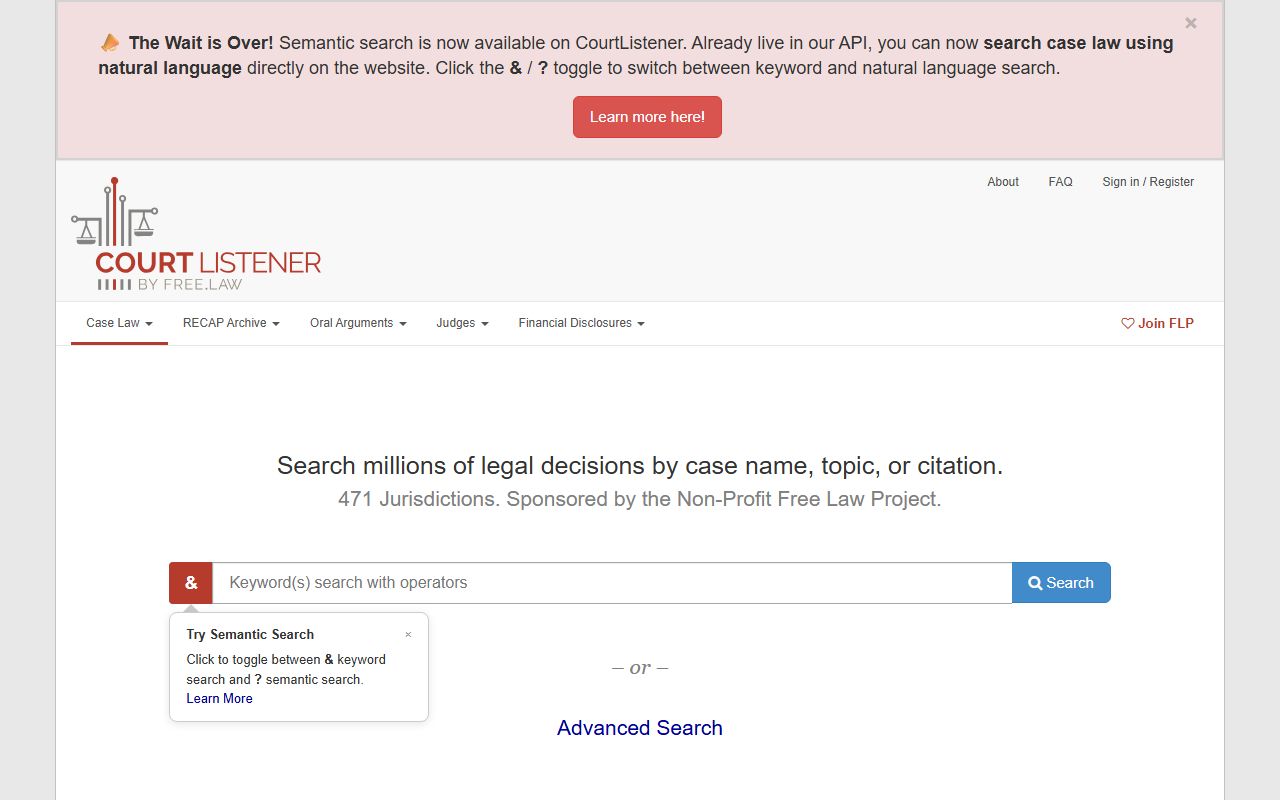
CourtListener does not replace PACER for certified copies or sealed material, but it works well for fast lookup and for sharing a docket link with someone who does not have a PACER account.
Why Some Hillsborough Docket Images Are Restricted
Most dockets in Hillsborough County are public. The image attached to a docket line may not be. Florida courts apply two main rules. The first is Florida Rule of General Practice and Judicial Administration 2.420, which sets when court records are confidential or sealed. The second is Florida Statutes section 28.2221, which limits what the Clerk can post on a public website for Official Records, including court file records governed by family, juvenile, or probate rules.
The Clerk's HOVER and eCertify pages list the case types where image access is narrowed. Family and divorce, domestic violence injunction, probate, guardianship, mental health, juvenile delinquency, juvenile dependency, and adoption all have tighter rules. The docket may show the events for these cases, but the PDF link may not work for an anonymous user. An attorney of record, a self-represented party, or a registered user with a signed access agreement may see more.
A few extra reasons an image may not open. The case may be sealed by court order. The case may be expunged, which often removes the docket from public view rather than leaving a placeholder. The filing may still be in queue for redaction. Or the case may involve sexual abuse content that the Clerk holds back from remote view per the HOVER FAQ. In those cases the searcher can visit a Clerk office in person to read the file under counter rules.
Note: A "Case Not Found" message on HOVER may mean the case is sealed, expunged, or the case number was typed incorrectly.
Federal Court Dockets via PACER and CourtListener
Hillsborough County sits in the U.S. District Court for the Middle District of Florida. Federal cases filed in the Tampa division of that district do not appear on HOVER. The official federal docket source is PACER, the Public Access to Court Electronic Records system. PACER requires a free account but charges per-page fees for many downloads, subject to the federal judiciary's fee schedule and any exemption a user qualifies for.
PACER is the same site for federal civil, criminal, bankruptcy, and appellate dockets. A user can search by party name, case number, court, or date range. The PACER home page is also the launch point for CM/ECF, the underlying case management system that the courts use.
Below is the PACER home page, which is the gateway to every federal docket in the country and the only certified federal source for case images.
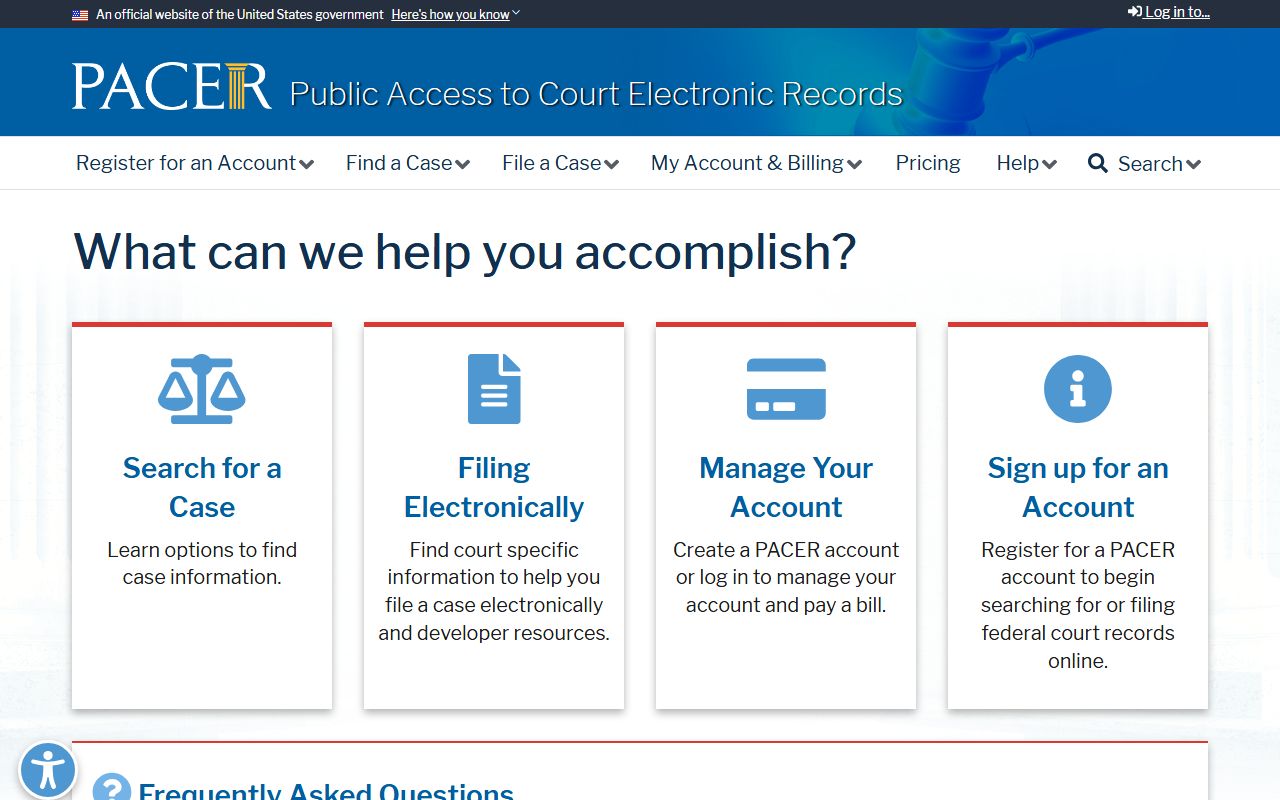
For people who do not need certified images, CourtListener mirrors a large share of federal dockets at no cost. It is run by the nonprofit Free Law Project. The Clerk's HOVER tool does not cover federal matters at all, so PACER and CourtListener are the only routes for federal Hillsborough cases.
Middle District of Florida and Local Court Calendars
The court that hears federal matters from Hillsborough County is the U.S. District Court for the Middle District of Florida. The Tampa courthouse hosts trial judges, magistrate judges, and the Clerk of Court for that division. Bankruptcy filings go to the U.S. Bankruptcy Court for the Middle District of Florida, and appeals from either court move on to the Eleventh Circuit Court of Appeals.
The court's website posts general orders, judge contact pages, courtroom procedures, local rules, and divisional calendars. Hearing dates that show up in PACER trace back to those calendars. The site also has filing instructions for self-represented federal filers.
Below is the Middle District of Florida home page, which is the official source for general orders, divisional calendars, and judge information.
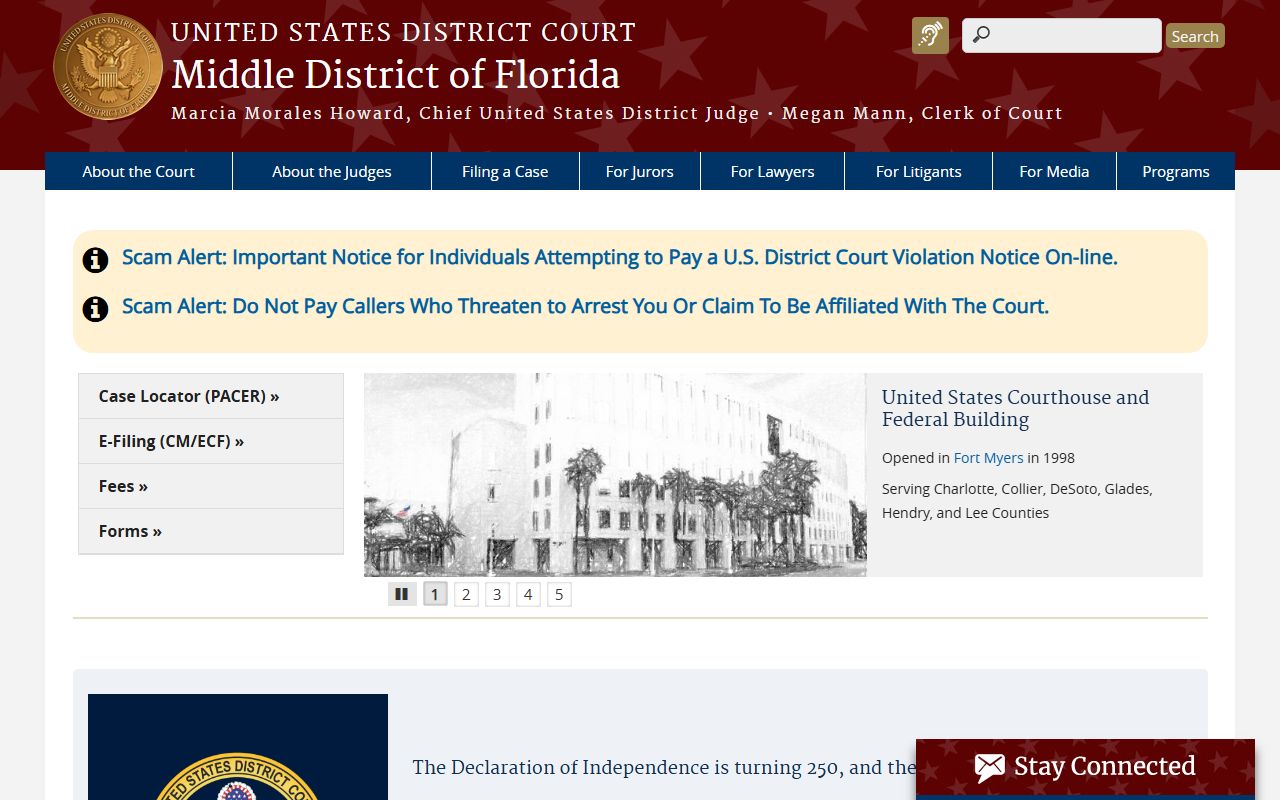
For state matters, the Thirteenth Judicial Circuit posts its own judicial directory, division assignments, and local court calendars at fljud13.org. Hearing dates for circuit and county cases on HOVER tie back to the schedules kept by each division of the circuit.
Local Court Schedules and Hearing Calendars
HOVER's Court Hearing Lookup is the fastest way to find a hearing date for a Hillsborough County case. The Clerk also publishes daily docket files for new case listings. The Thirteenth Judicial Circuit publishes general schedules and judge information on its own site, which a docket researcher can use to cross-check what a HOVER entry shows.
- HOVER Court Hearing Lookup at hover.hillsclerk.com for hearing dates on circuit and county cases.
- The Thirteenth Judicial Circuit site for judge directories, division pages, and standing orders.
- HOVER New Case Listing public data files for daily new filings by case type.
- PACER for federal hearing dates in Middle District of Florida cases.
- CourtListener for free federal docket previews that link back to PACER for the full file.
Most state hearings are held at the Edgecomb Courthouse at 800 E. Twiggs Street in Tampa, the Criminal Courthouse Annex on N. Jefferson Street, Civil Traffic Court on N. Pierce Street, or the Plant City Courthouse on N. Michigan Avenue. The HOVER docket entry shows the assigned division, and the circuit website confirms which courthouse that division sits in.